Guide to Check Jamabandi Nakal Online
The Bhulekh Haryana system is convenient for those seeking information related to Haryana records in a user-friendly manner. Regardless of whether you belong to Chandigarh pin 160017, Gurugram pin 122001, Faridabad pin 121001, Hisar pin 125001, Karnal pin 132001, or anywhere else associated with Haryana services, this article will give you a brief explanation regarding how to use the system. A lot of users enter the site and find themselves confused due to words such as Jamabandi, Nakal, Khewat and Khasra. This is quite natural. It is only after understanding how to proceed that one can find the process to be quite easy to follow.
What Bhulekh Haryana Means for Common Users
Here is a web portal where users get to see significant data associated with various districts, tehsils and villages in Haryana. The primary objective here is to speed up and simplify the entire procedure for the users. Previously, there were many users who relied on multiple attempts or external help to get to know a few simple facts. The present online process has made life easy for the users by allowing them to find all the necessary record information from their mobile devices or computers.
It must be noted that the terminology used in the online website could seem complicated for some. Terms such as Jamabandi Nakal, Khewat, Khatauni and Khasra are not commonly used phrases. Hence, this article sticks to basics and avoids using any complicated language altogether.
The Bhulekh website is very useful when trying to verify the accuracy of the information provided in the official document against the information that you already have. Also, this website is helpful when verifying some names or serial numbers or village data before proceeding with any formal procedures. Accuracy is paramount; even a slight error in spelling of the name or village may yield a different search result. Hence, it is advisable to have the basic information handy before initiating a search.
Why People Use Bhulekh Haryana
People use the portal to get clarity. People don’t want any guessing. They want everything to be clear from the records. There are several reasons why a person uses the portal. They could use it to download Jamabandi Nakal. They could also use it to check mutation status. Some people will use it based on owner name search while some have their khasra/khewat number with them.
The common pain points are usually the same:
- The portal looks confusing at first
- The user does not know which option to choose
- The village or tehsil name may be hard to identify
- The name spelling may not match exactly
- Khewat and khasra numbers may not be available
- The user may not know whether Jamabandi or mutation should be checked
And that’s why an instructional guide is helpful. It saves time and effort from any errors. The process of checking land records in the portal doesn’t need to be complicated anymore. Once you understand the process, it will become easy.
Details You Can Check on Bhulekh
The portal provides users with access to various records regarding land ownership in Haryana. The results may differ based on the information input by users and the search method adopted. Below is an overview of the key records accessed:
| Detail | What It Helps You Understand |
| Jamabandi Nakal | Shows official land record details for a selected area |
| Owner name | Helps search records when the name is known |
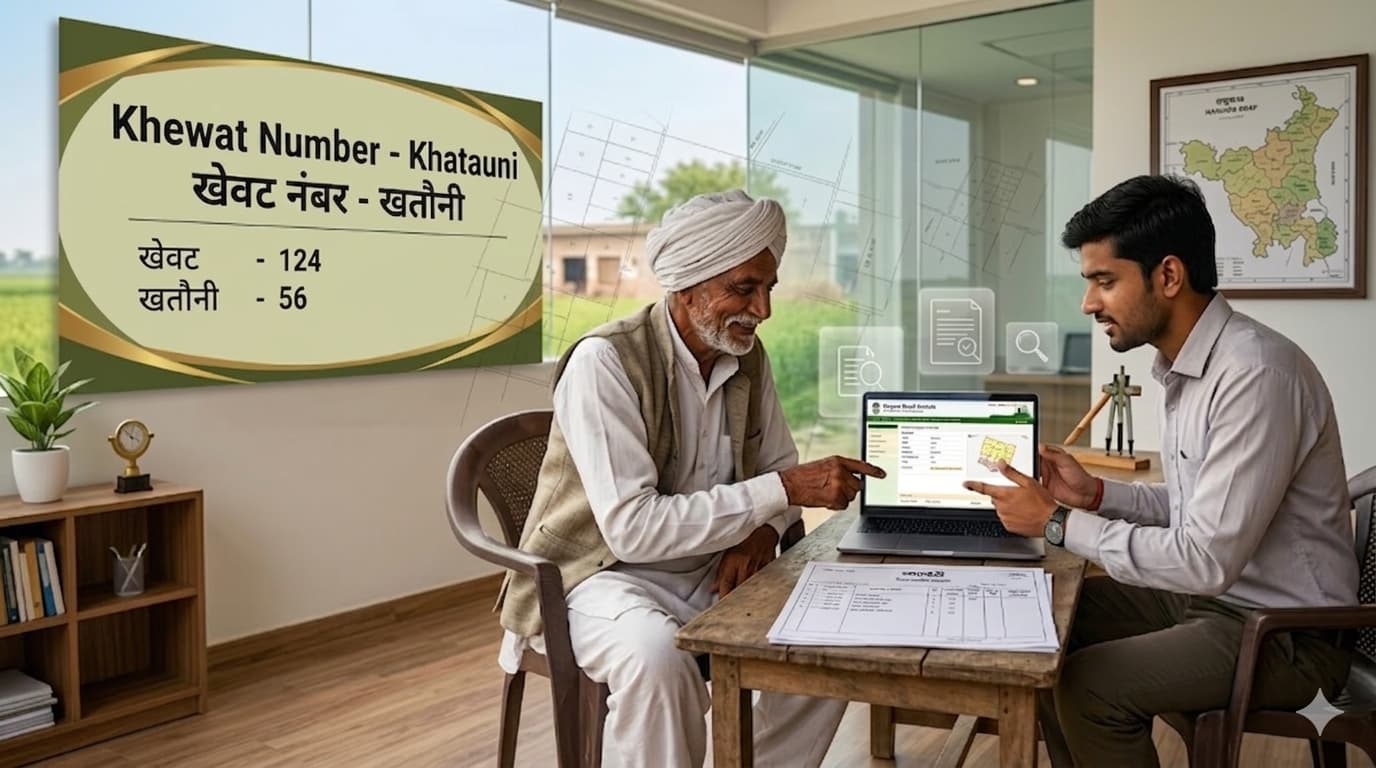
| Khewat number | Helps identify a group of ownership-related entries |
| Khasra number | Helps locate a specific land parcel record |
| Khatauni details | Shows holding-related information |
| Mutation status | Helps check whether a change has been updated |
| District and tehsil details | Helps filter the correct location |
| Village record | Helps reach the exact local record |
These words may feel technical, but each one has a clear use. You do not need to know everything deeply before using the portal. You just need to know which option matches your situation.
Things to Keep Ready Before Checking Bhulekh
A smooth search starts with the right details. Many users face errors because they enter incomplete or incorrect information. Before opening Bhulekh Haryana, keep these things ready if possible:
- District name
- Tehsil or sub-tehsil name
- Village name
- Owner name
- Khewat number
- Khasra number
- Khatauni number
- Mutation number, if available
Not all of them might be there. It doesn’t matter. You can choose from various methods provided by Bhulekh portal, starting from whatever information you have. In case you only have the owner’s name, go for the option of searching by the owner’s name. Similarly, if you have the khasra number, use this option to conduct your search. If you have khewat information, you may try khewat search.
One small trick. Pay close attention to spelling. Village names in Haryana can have several English spellings. At times, the actual spelling may be somewhat different. Try patiently, not hastily.
How to Check Jamabandi Nakal on Bhulekh Haryana
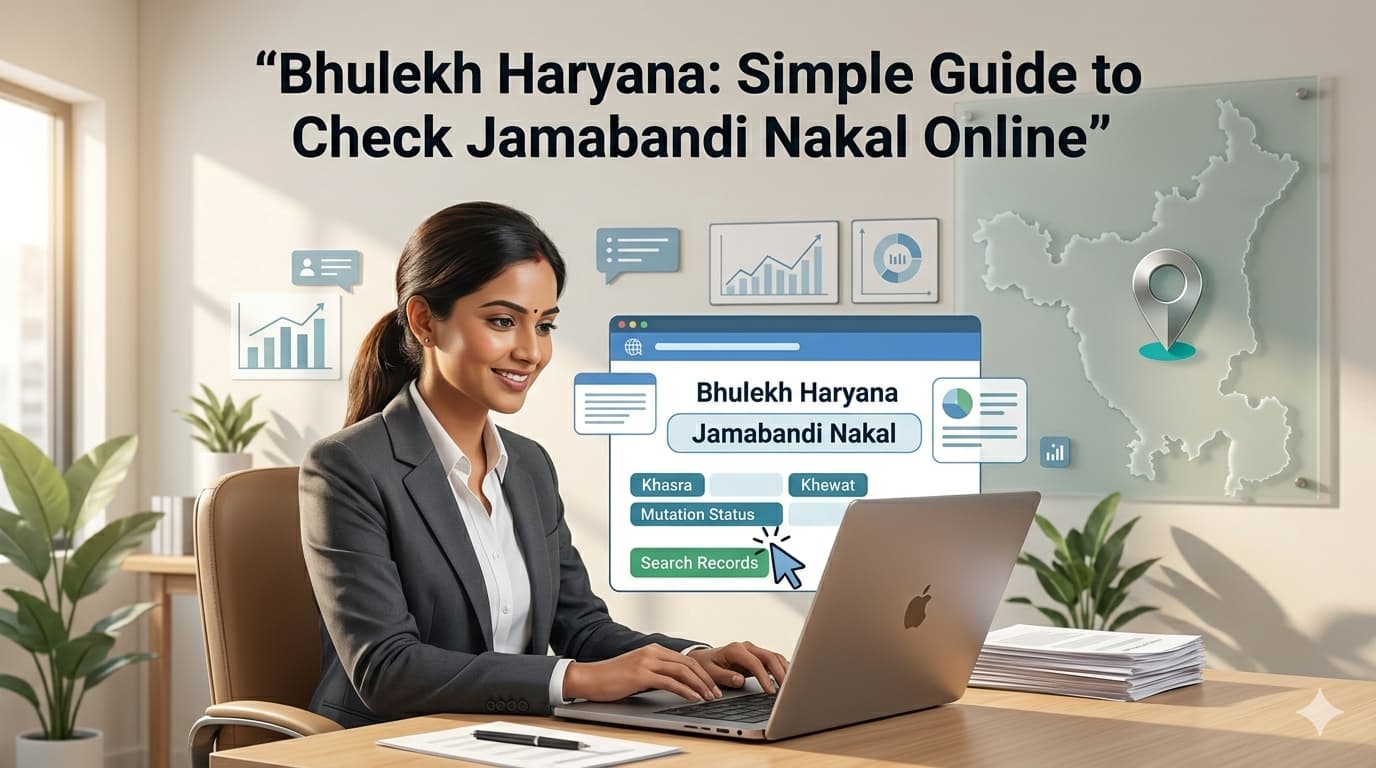
Jamabandi Nakal is one of the most searched records on Bhulekh portal. Many users need it because it gives a structured view of land record information for a selected district, tehsil and village. The process is simple when followed in order:
- Open the Website or Haryana Jamabandi portal (https://jamabandi.nic.in/)
- Choose the Jamabandi Nakal option
- Select district
- Select tehsil or sub-tehsil
- Select village
- Choose the Jamabandi year or record period shown on the portal
- Select your search method
- Enter owner name, khewat number, khasra number or khatauni number
- Submit the details
- View the Jamabandi Nakal on screen
- Download or save the copy if the option is available
Do not rush while selecting the district and village. This is where many mistakes happen. One village name may look similar to another. If you select the wrong one, the result may not match. It works best when your input is correct. So, check every dropdown carefully before submitting.
How to Search by Owner Name
Many individuals do not have information about either the khasra number or the khewat number but know only the owner’s name. Here, the search through owner name is of benefit to them. When searching on the portal via owner name, the user should enter the name accurately. This may include entering the name as it appears officially since the result will depend on the spelling entered.
Useful tips for owner name search:
- Try full name first
- Use father’s name or family detail if shown
- Try spelling variations if the result does not appear
- Avoid extra spaces
- Do not use nicknames
- Match the village before trusting the result
However, at times, there could be multiple results for the same name. It could be possible because the names of many people might be identical in a village. For such instances, it will be ideal to compare additional information on khewat, khasra, and other relevant records. While the portal based on the owner name is helpful, it requires thorough verification.
How to Search by Khewat or Khasra Number
In case if you have the khewat number or khasra number, your search process will be simplified. Khewat and khasra are useful in reducing the search process. The former is associated with entries regarding ownership while the latter refers to a particular piece of land.
To search by khewat or khasra number:
- Select the correct district
- Select tehsil
- Select village
- Choose the search by khewat or khasra option
- Enter the number carefully
- Submit and view the record
Be careful not to confuse khewat with khasra. They are not the same. Sometimes users tend to type a khasra number in the khewat field and later find themselves wondering why they are not getting the desired results. Simple mistake, but very important. Ensure that your khewat or khasra number is typed precisely as it appears on your already existing document.
How to Check Mutation Status
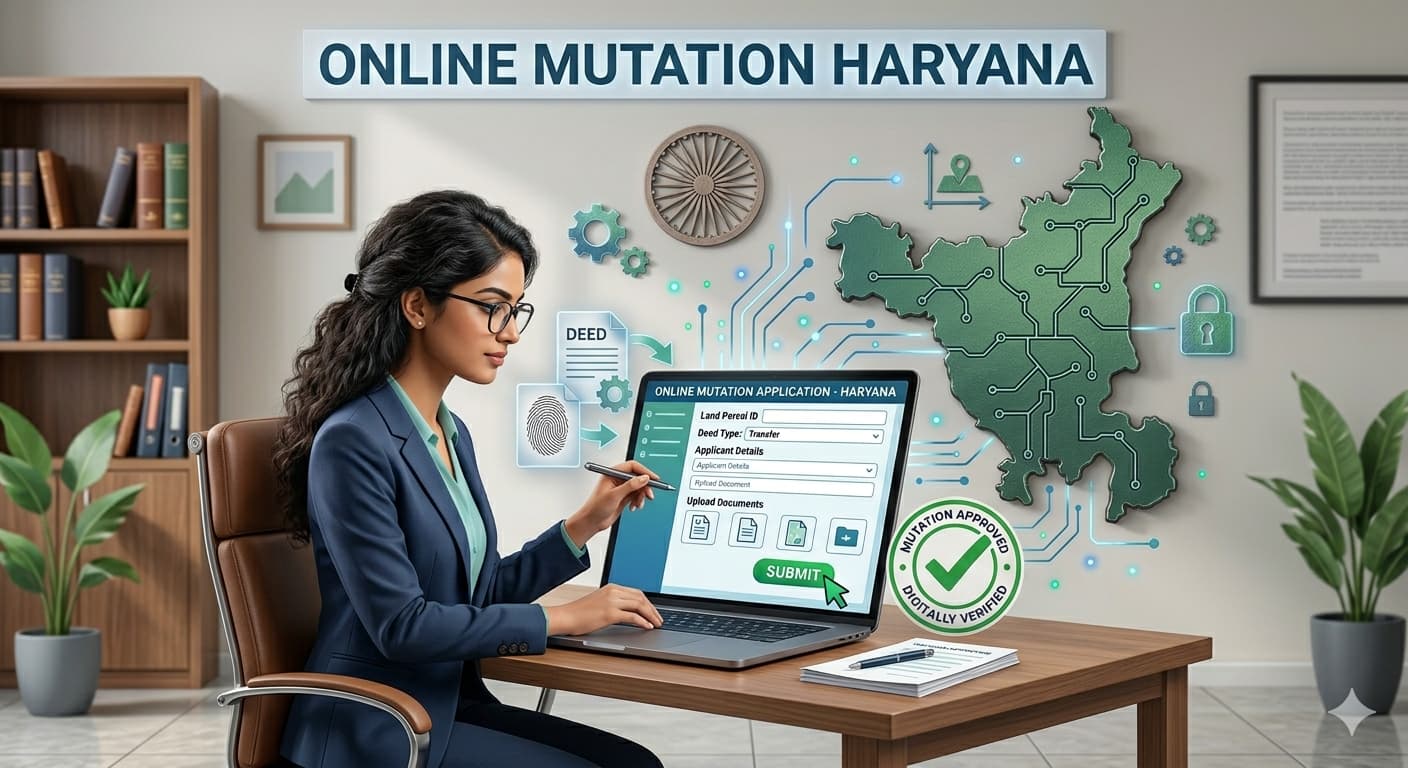
Mutation status is another crucial feature of the portal. In plain English, mutation indicates whether an amendment has been made to the official records. Generally, people look for mutation status post transfer, succession, rectification, or other amendments. It will help you identify whether the amendment has taken place or not. To find out about mutation, here is one thing that you should have:
- Mutation number
- Village name
- District and tehsil
- Owner details
- Khewat or khasra information
After entering all the required information, the website will indicate whether the entry is made, pending, or updated, according to any existing data. There is one aspect that should be noted here. The online status is useful, but if there seems to be an error or some missing information, do not hesitate to approach the relevant local authority for confirmation.
Common Mistakes Users Should Avoid
Bhulekh Haryana is useful, but wrong input can lead to wrong results. Most errors happen because users move too fast or do not check the basic details. Common mistakes include:
- Selecting the wrong district
- Choosing a similar village name
- Typing the owner name incorrectly
- Entering khasra number in the wrong field
- Not checking khewat and khatauni details properly
- Ignoring spelling differences
- Using old or incomplete information
- Closing the page before saving the record
- Trusting one result without matching other details
The best way out would be to conduct an initial verification step by step. Firstly, start with matching the District, followed by Tehsil, then Village, and finally, either name or number. This basic process can help you avoid going back to square one each time. It must not be utilized in haste, particularly if you are verifying crucial land records data.
Benefits of Using Bhulekh Haryana Online
It has made the record-checking process easier for many users. It gives more control to people who want to view information themselves. Some key benefits are:
- Easy online access
- Useful for checking Jamabandi Nakal
- Helps search by owner name
- Supports khasra and khewat-based search
- Reduces unnecessary confusion
- Helps verify Haryana land records
- Saves time before formal work
- Makes mutation status easier to check
- Helps users understand basic record entries
The biggest benefit is convenience. You do not have to depend fully on someone else just to view the details. You can first check the information yourself and then take the next step with more confidence. For many users, The acts like a first checkpoint. It helps them see whether the record looks correct or whether they need further help.
Where Sapient Realty Can Help
At times, even when users know how to fill out the required fields, they still get confused while filling up the record. This is mainly because Jamabandi Nakal, mutations, khasra number, and khewat information might seem complex initially. Sapient Realty can be quoted as an online portal that can help users in understanding the Bhulekh Haryana process.
For users who are accessing the portal for the first time, it is better to follow a systematic approach. Users should read all the fields carefully, match their details and refrain from jumping into conclusions. Sapient Realty can assist in developing guidelines that simplify terms and concepts used in the portal.
Expert Tips for Safer Record Checking
It is a helpful digital tool, but smart checking is still important. Online records should be read carefully, especially when names, numbers and village details are involved.
Here are some practical tips:
- Always match district, tehsil and village first
- Use exact spellings wherever possible
- Keep old documents nearby for comparison
- Try more than one search method if needed
- Check owner name along with khasra or khewat
- Save or download the record after viewing
- Take a screenshot for your personal reference
- Do not rely on partial details
- Visit the concerned office if there is a mismatch
A little patience helps here. Many users get frustrated when the first search does not work. But often, the issue is only a spelling mismatch or wrong village selection. It becomes easier when you treat it like a careful checking process, not a one-click answer for every case.
Conclusion
The website is an effective means of looking up Jamabandi Nakal, khasra details, khewat details, owner names, mutation records and other documents regarding Haryana land records. Although at first the process might appear too complex, as soon as you understand the terminology and take the right approach, everything becomes much easier.
It is extremely important to ensure that all details required for search are provided. Select district, tehsil and village accordingly. Provide owner’s name, number of khasra or number of khewat without errors. Compare the outcome with existing information on hand.
If everything matches, print it out for future use. If you have found anything inconsistent, ignore this mistake at your peril. Double-check, choose another search option, or clarify the issue with the concerned department. Begin the process with known details, proceed with caution, and use intelligent tool for searching Haryana land records online.
FAQ
What is Bhulekh Haryana used for?
It is used to check Haryana land records online. Users can view Jamabandi Nakal, owner details, khasra number, khewat number, khatauni details and mutation status through the online system.
How can I check Jamabandi Nakal on Bhulekh Haryana?
You can check Jamabandi Nakal on Bhulekh Haryana by selecting district, tehsil, village and the required record option. After that, search by owner name, khewat number, khasra number or khatauni number.
Can I search Bhulekh Haryana by owner name?
Yes, It allows users to search records by owner name. Make sure the spelling is correct and the selected village is accurate, because similar names may appear in the same area.
How do I check Khasra details in Haryana online?
To check khasra details in Haryana online, open the Bhulekh Haryana search option, select the correct district, tehsil and village, then enter the khasra number in the suitable field.
What is Khewat number in Bhulekh Haryana?
Khewat number in the portal is a record number linked with ownership-related entries. It helps users search and identify specific land record details more accurately.
How can I check mutation status in Haryana?
You can check mutation status in Haryana through the mutation option on the portal or the Haryana Jamabandi portal. Keep district, tehsil, village and mutation-related details ready before searching.
Is Jamabandi Nakal available online in Haryana?
Yes, Jamabandi Nakal is available online in Haryana through the portal. Users can search it using owner name, khewat number, khasra number or other available details.
What details are needed to use Bhulekh Haryana?
To use the website, you may need district name, tehsil name, village name, owner name, khasra number, khewat number, khatauni number or mutation details.
Why is my name not showing on Bhulekh Haryana?
Your name may not show on the website due to spelling mismatch, wrong village selection, old record selection or incomplete update. Try spelling variations and check district, tehsil and village again.
How can I avoid mistakes while checking Haryana land records?
You can avoid mistakes by selecting the correct location, entering exact names or numbers, checking spelling carefully and matching Jamabandi Nakal details with other available records before taking the next step.